Support
Get help and support for Teak
Troubleshooting
Refresh or relaunch the app, check that you’re signed in and online, and update to the latest version. Each app’s page has its own troubleshooting: Mac, iPhone and iPad, Android, browser extension, Raycast and CLI. For the API and MCP, check that your API key is still active in Settings → Integrations.
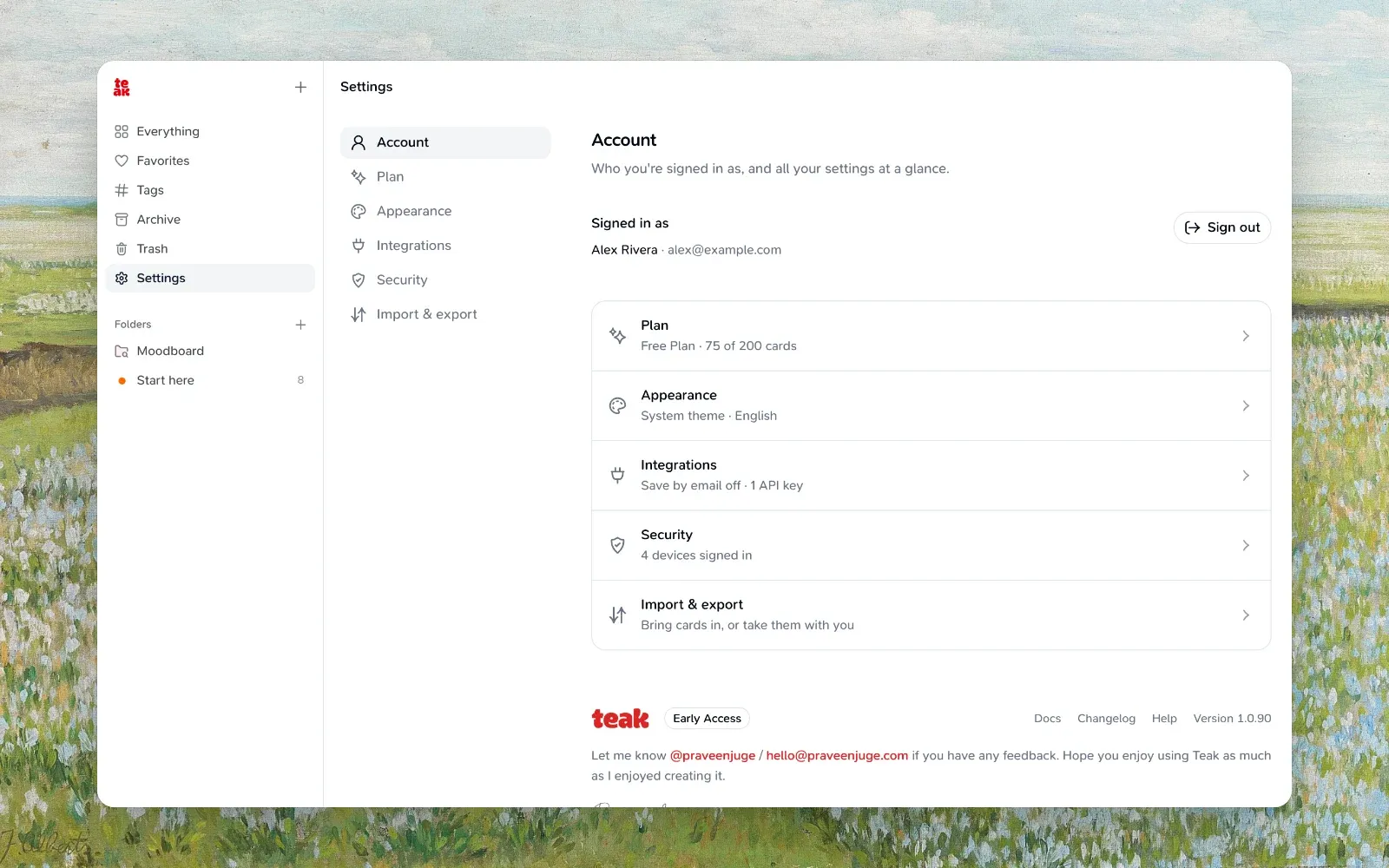
Settings → Account shows who you’re signed in as, with a summary of your plan, appearance, integrations, security and imports.
Contact
Email [email protected]; we usually reply within 24–48 hours. For billing, use Settings → Plan (Continue to checkout, or Manage subscription on Pro).
Bug reports and feature requests
Open a GitHub issue with the steps to reproduce, what you expected and what happened, and your app, browser or OS version. Label feature requests enhancement.
Follow updates on X.
praveenjuge/teakYour personal knowledge hub for collecting, remembering, and rediscovering ideas - one-click saves with real-time sync across web, desktop, mobile, browser, and Raycast.Stars: 24Forks: 2