Never lose that perfect design again.
Save inspiration in one click, find it in seconds, and keep every useful idea ready for the moment you need it.
Start Saving →Everything in one place
Save it once. Find it in seconds.
A calm library for every reference, with search that remembers the details for you.
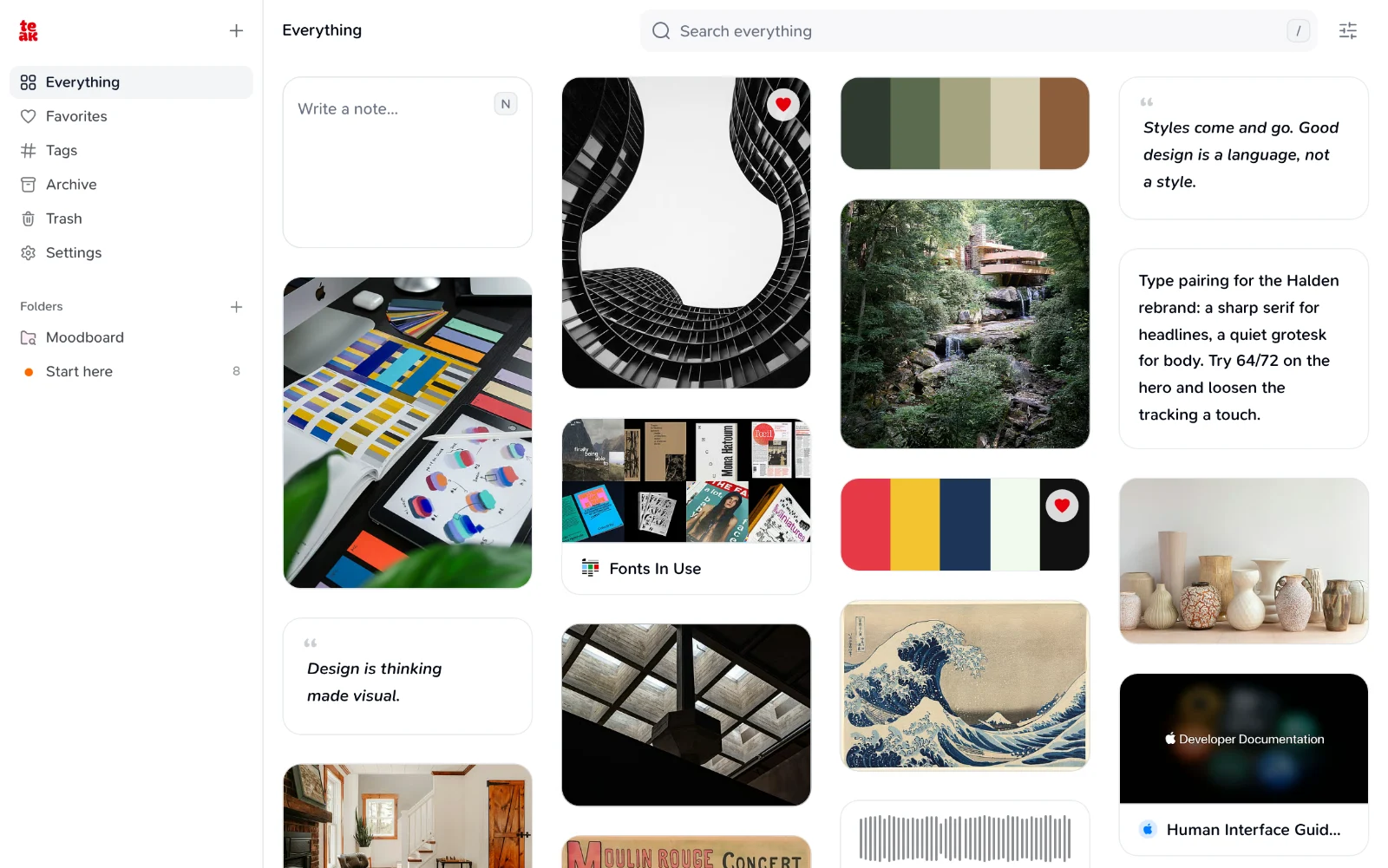
Eight card types, one library
Save anything worth remembering.
Keep a thought, a link, a screenshot, a video, a recording, a document, a palette, or a quote without forcing it into the wrong shape.
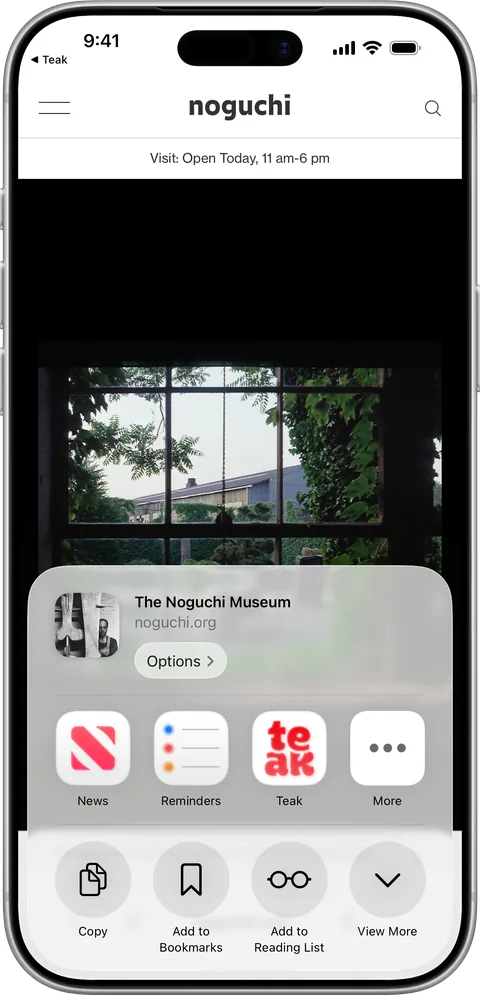
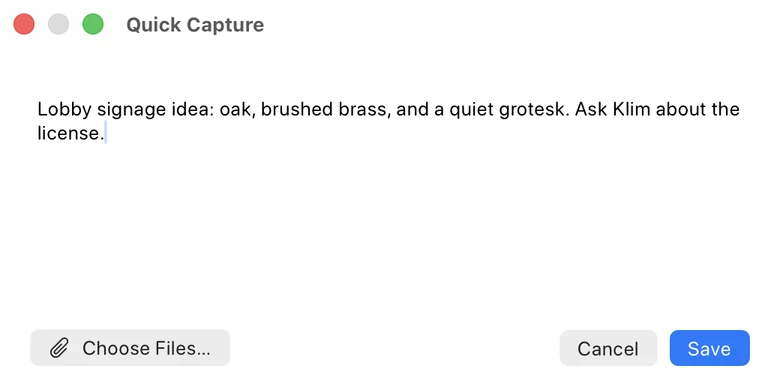
Capture everywhere
Keep the idea without leaving your flow.
Save from the web, the iOS share sheet, the Mac app, Chrome, Firefox and Safari extensions, or Raycast. Everything meets in one synced library.

Search the way you remember
Start with the detail still in your head.
Search by meaning, not just exact words, and find the text inside images and files. Open any card to find more like it, search images by mood, or narrow by type, tag, date, color, or visual style.
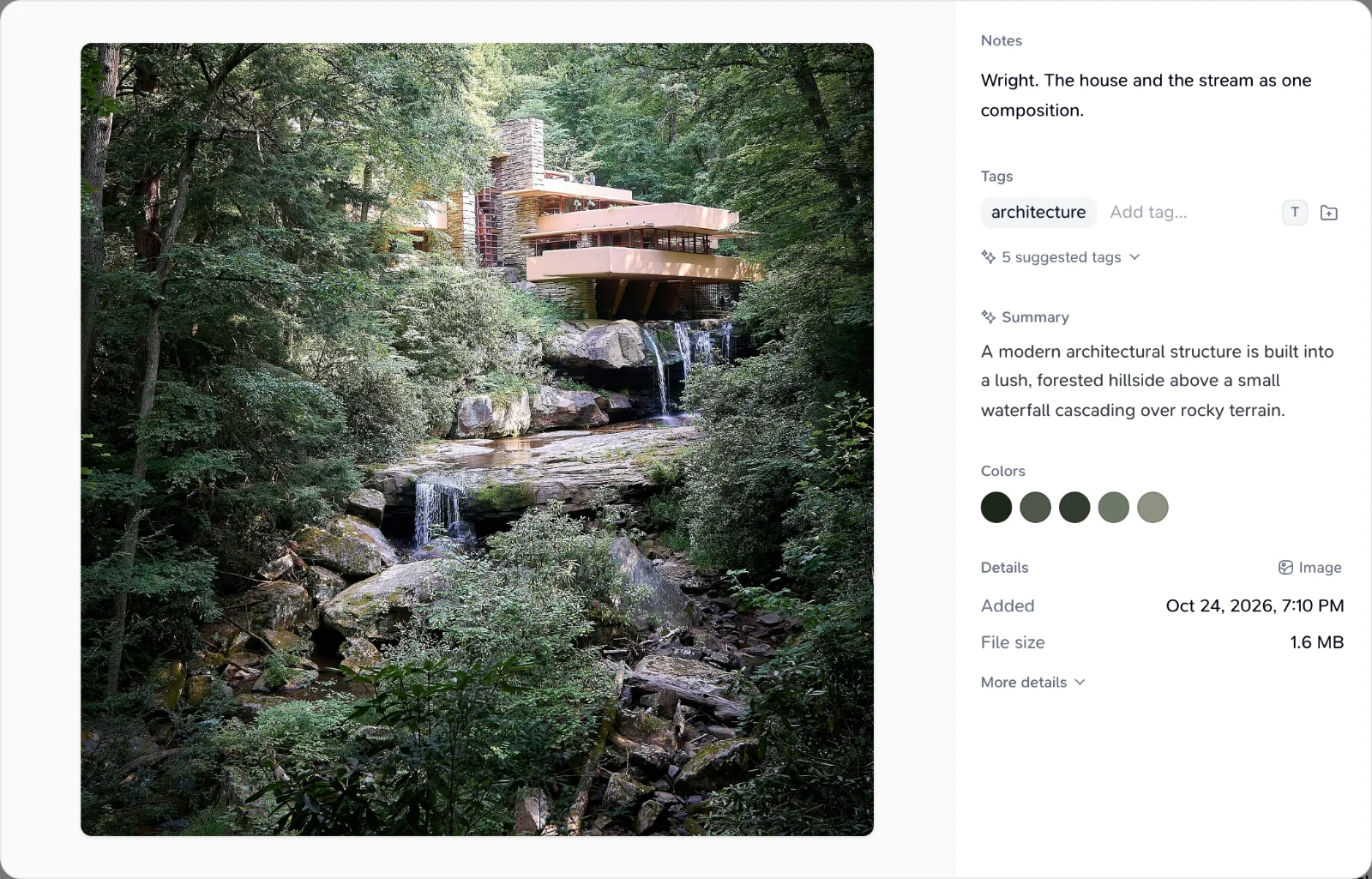
Automatic organization
Save it now. Let Teak do the filing.
New cards gain AI tags and summaries, richer link previews, extracted palettes, and audio transcripts in the background.
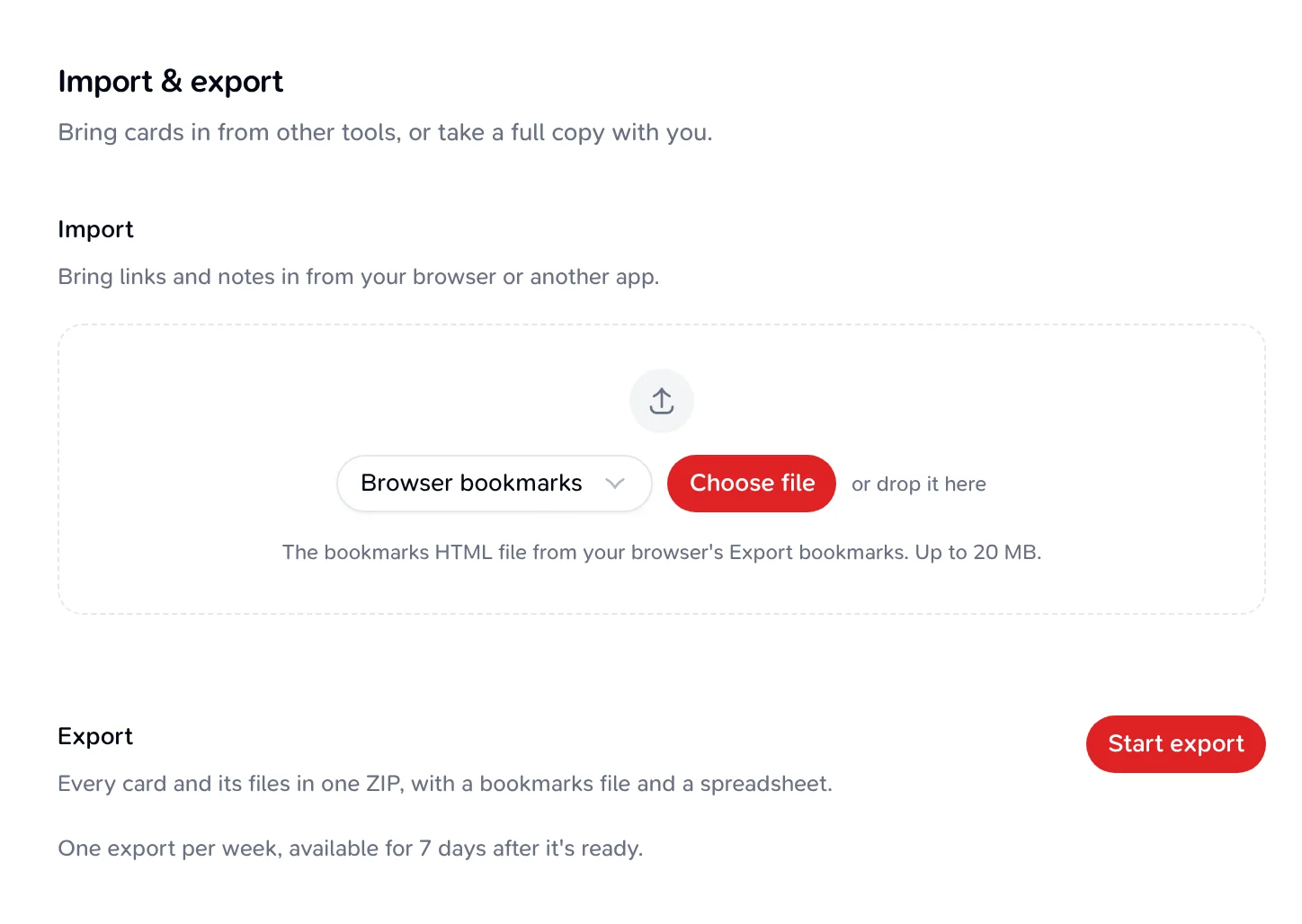
Portable by design
Bring your library in. Take it with you.
Import browser bookmarks, a Raindrop CSV, or a Teak archive, skipping links you already have. Export everything, with original files, as a ZIP.
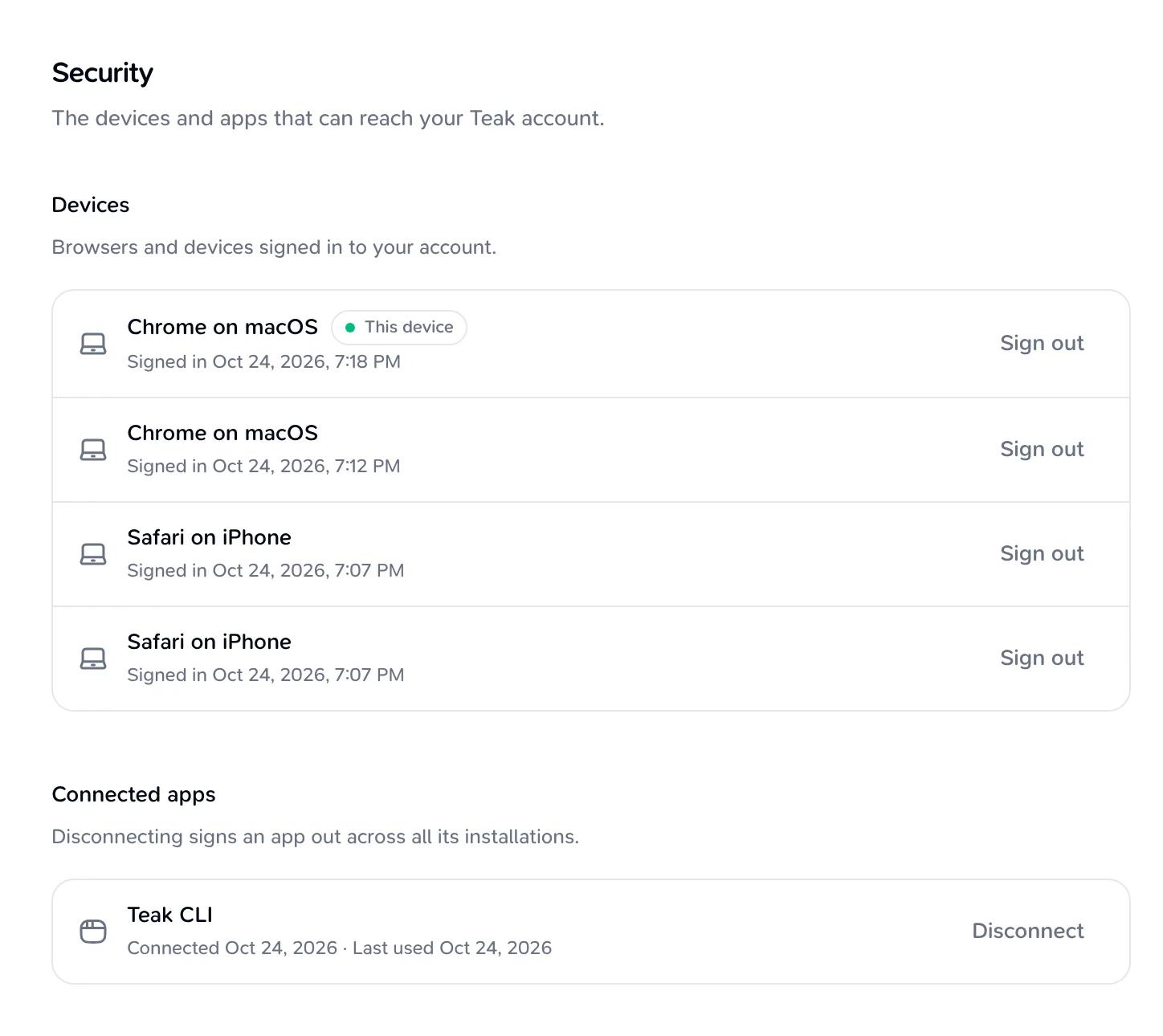
Built for your tools and agents
Your library, beyond the app.
Use Teak through its REST API, remote MCP endpoint, CLI, Raycast AI tools, the ChatGPT connector, or the public agent skill.
Teak for…
Made for the way you work
Pick yours to see the features that matter to you.
Designers
Find references by color, style, mood or the words inside them.
Developers
Reach your library from the API, MCP, CLI, SDK and Raycast.
Researchers and writers
Search PDFs, transcripts and notes down to the sentence.
Save without filing
If filing things gets in the way, save in one step and let Teak tag it.







Why people switch to Teak
Straight from people who save with Teak every day.
The search is unreasonably good. I typed 'that orange gradient' and it actually found it.
Finally deleted my mess of 400 browser bookmarks. Everything I actually need lives in Teak now.
I save a Dribbble shot on my phone and it's waiting on my laptop when I sit down. That's the whole pitch and it just works.
Replaced three different apps with this. Notes, screenshots, links, all in one place that organizes itself.
I stopped losing references mid-project. Whatever I save shows up tagged and ready without me lifting a finger.
It's the first tool that actually fits how I work instead of forcing me into folders. I just dump things and trust I'll find them.